


















Social Media for Driving Schools: What to Post, How Often & Why It Matters
Learn how to use social media effectively to grow your driving school, build trust, and increase student enrollment with practical tips and strategies.
Why Your Driving School's Social Media Feels Like a Ghost Town
You've set up your Facebook page. Maybe even created an Instagram account. You post once in a while — a new class announcement here, a holiday greeting there. But nothing seems to change.
Your inbox is quiet. Your classes aren't filling up. You start wondering if social media even works for driving schools at all.
Here’s the hard truth: Social media works — but only when it’s done right. And for most schools, the problem isn’t the platform. It’s the lack of strategy.
In this article, we’ll break down exactly what to post, how often, and why a smart social media plan can drive real results: more visibility, more trust, and more students.
In today’s attention economy, social media is not just for teenagers and influencers — it’s where people go to research, compare, and judge businesses. Your school’s social profiles are part of your reputation.

A modern social media presence for a driving school should:
-
Build immediate trust
-
Showcase your instructors and students
-
Answer common questions in helpful ways
-
Celebrate success stories

-
Show that you’re active, real, and professional

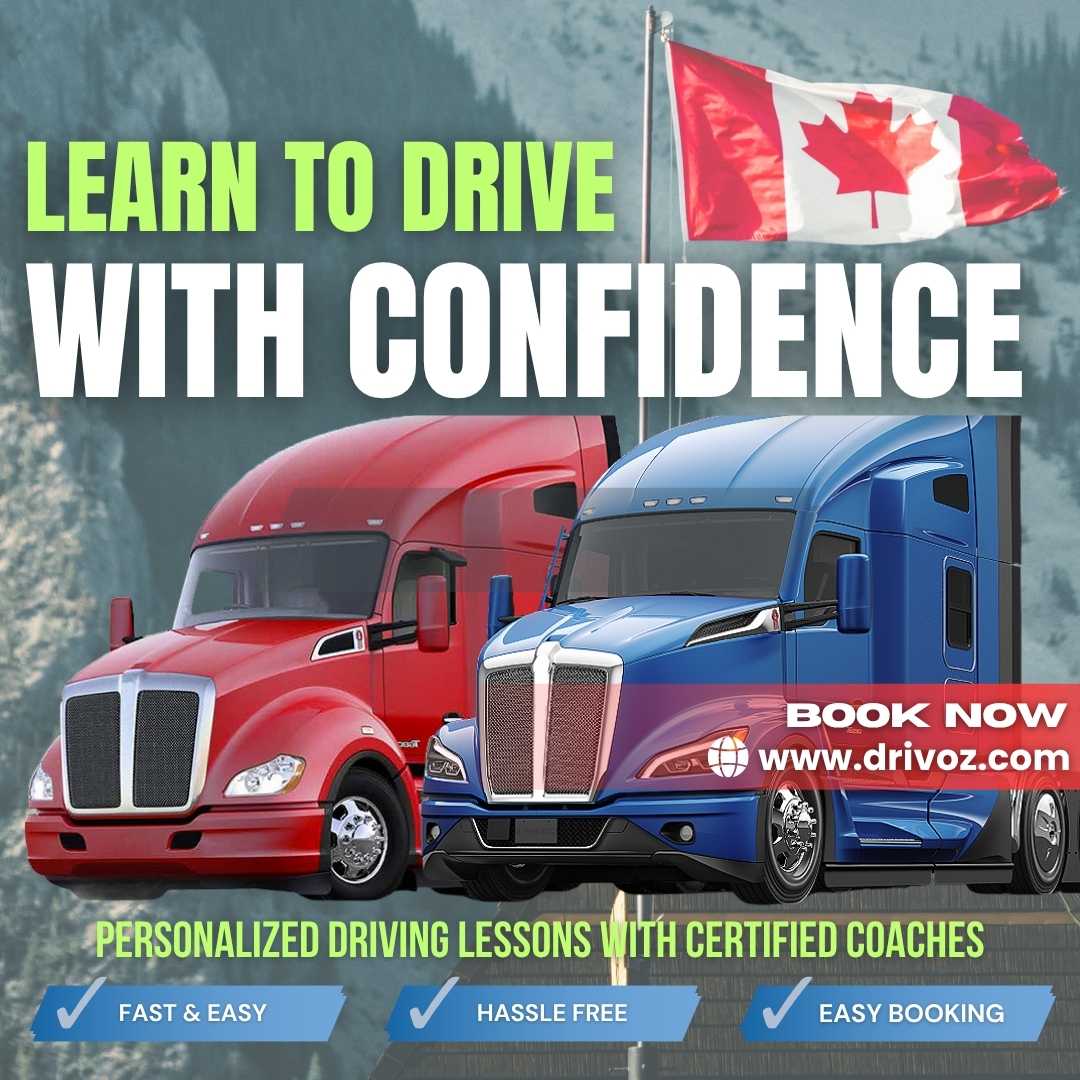
And most importantly — it should convert curiosity into inquiries.
Even passionate, experienced instructors struggle with digital marketing. Here are the most common mistakes:
1. Inconsistent Posting
-
One post every few weeks
-
Long gaps that make the page look abandoned
-
Missed opportunities during high-traffic times (like back-to-school season)
2. Over-Promoting
-
Every post is an ad: "Join Now!", "New Batch Starting!"
-
No variety or value
-
No stories, tips, or student moments
3. No Visual Identity
-
Random colors and fonts
-
Low-quality images or blurry photos
-
No logo or brand personality
4. No Engagement
-
Ignored comments or messages
-
No interaction with followers
-
Posts that feel robotic or generic
These issues don’t just hurt your engagement — they erode trust, especially for something as personal and safety-focused as learning to drive.
Not taking social media seriously has real consequences:
1. You’re Invisible to Young Learners
Most Gen Z and Millennials check Instagram or TikTok before visiting your website. If you’re not there — or not active — they move on.
2. Lower Trust = Lower Conversions
A stale page with no reviews or student stories feels risky. Prospects hesitate. They don’t inquire. They don’t enroll.
3. No Word-of-Mouth Momentum
Social posts amplify your happy students. Without them, even satisfied clients forget to refer others.
You don’t need to reinvent the wheel. Just focus on these proven content types:
Student Success Stories
-
Photos of students who just passed (with permission)
-
Quick quotes: "I was nervous but passed on my first try!"
-
Tag students (if they’re comfortable) to increase reach
Behind-the-Scenes Content
-
Instructor introductions
-
A look inside the classroom or in-car training
-
How your simulators or tech tools work
Tips & Advice
-
"Top 5 Mistakes New Drivers Make"
-
"How to Pass Your G Test in Ontario"
-
"What to Expect in Your First Lesson"
Reviews and Testimonials
-
Screenshot Google or Facebook reviews
-
Create simple quote graphics
-
Video testimonials work even better
Timely Announcements
-
New class openings
-
Holiday hours
-
Promotions or referral bonuses
Fun, Human Moments
-
Birthday celebrations
-
Instructor milestones
-
Funny memes (keep it respectful and brand-appropriate)
Consistency beats frequency. But here’s a solid starting point:
-
Instagram/Facebook: 3–4 times per week
-
Stories/Reels: 2–3 times per week (even short clips work!)
-
Google Business Profile: 1 post/week
-
YouTube (if used): 1–2 videos/month
Tip: Use scheduling tools like Meta Business Suite or Later to batch your content.
Let’s face it: you’re busy running lessons, managing bookings, and keeping cars road-ready. Here’s how to keep your social media active without burning out:
Create a Monthly Content Calendar
-
Plan your 4 weekly themes: Student Story, Driving Tip, FAQ, Announcement
-
Reuse content across platforms with tweaks
Use Templates
-
Canva offers free post templates you can customize with your logo and colors
Automate Posting
-
Schedule 1–2 hours/week to prep all posts
-
Use Meta tools to post even while you're teaching
Ask Your Students to Help
-
Encourage photo sharing after passing
-
Offer small incentives for testimonials or shout-outs
If social media feels overwhelming — or you’re simply too busy to do it consistently — you’re not alone. That’s where Digigrow Canada Ltd. can step in.
We help driving schools in Canada and internationally by:
-
Creating daily, branded social media posts
-
Designing testimonial videos and celebration content
-
Managing your social media pages
-
Creating flyers and promotional materials that align with your values
With over 20 years of experience in education marketing, we know what works — and we make it effortless for you.
-
Google Business Profile: Post weekly, respond to reviews
-
Canva: Design templates, schedule content
-
CapCut: Easy video editing for student reels
-
Later or Buffer: Plan posts in advance
Your online presence speaks before you ever pick up the phone. If it looks empty, inconsistent, or outdated — people assume the same about your business.
But with the right content and a simple strategy, you can turn your social pages into a magnet for new students and referrals.
Want help implementing this? Digigrow Canada Ltd. offers free consultations for driving schools worldwide.
What's Your Reaction?
 Like
0
Like
0
 Dislike
0
Dislike
0
 Love
0
Love
0
 Funny
0
Funny
0
 Angry
0
Angry
0
 Sad
0
Sad
0
 Wow
0
Wow
0